Productivity apps for macOS
Simple GUI apps to a better workflow on macOS
What I mean by Productivity in this article:
- Apps that improve the way I interact with the SO and it’s software.
- In my case interaction is made by HomeRow as I’m a touch typist.
- HomeRow is how the rest position of your hand over the keyboard is called with the fingers over asdf jkl;.
- Apps on this article: HomeRow, HRM, Raycast.
Can you type without looking at the keyboard?
- I don’t think that people that can’t type with all ten fingers and without looking at the keyboard will take the most of these tools. To be really sincere I think most of the tools of the article can make you even slow.
- But if you’re here because you’re starting to think about learn some new skills, take the opportunity to learn how to become a touch typist.
- Free typing training: KeyBr and EdClub
I know Productivity can have many faces and I’m not defining a limiter here, by other standards I can make another article in the future where I put Nvim+Tmux or Obsidian/Notion as Productivity tools, but for the scope of today theme we’re talking about HomeRow Productivity type of apps.
HomeRow the app
These yellow boxes with letters inside are from an app called HomeRow – I know what you’re thinking about, it’s the same name of the hand position I talked about earlier
[!NOTE] The creator of the app should have choose a better name for it, as even to search for it became a pain because of the amount of other apps for HomeRow (position) that appears on the results.
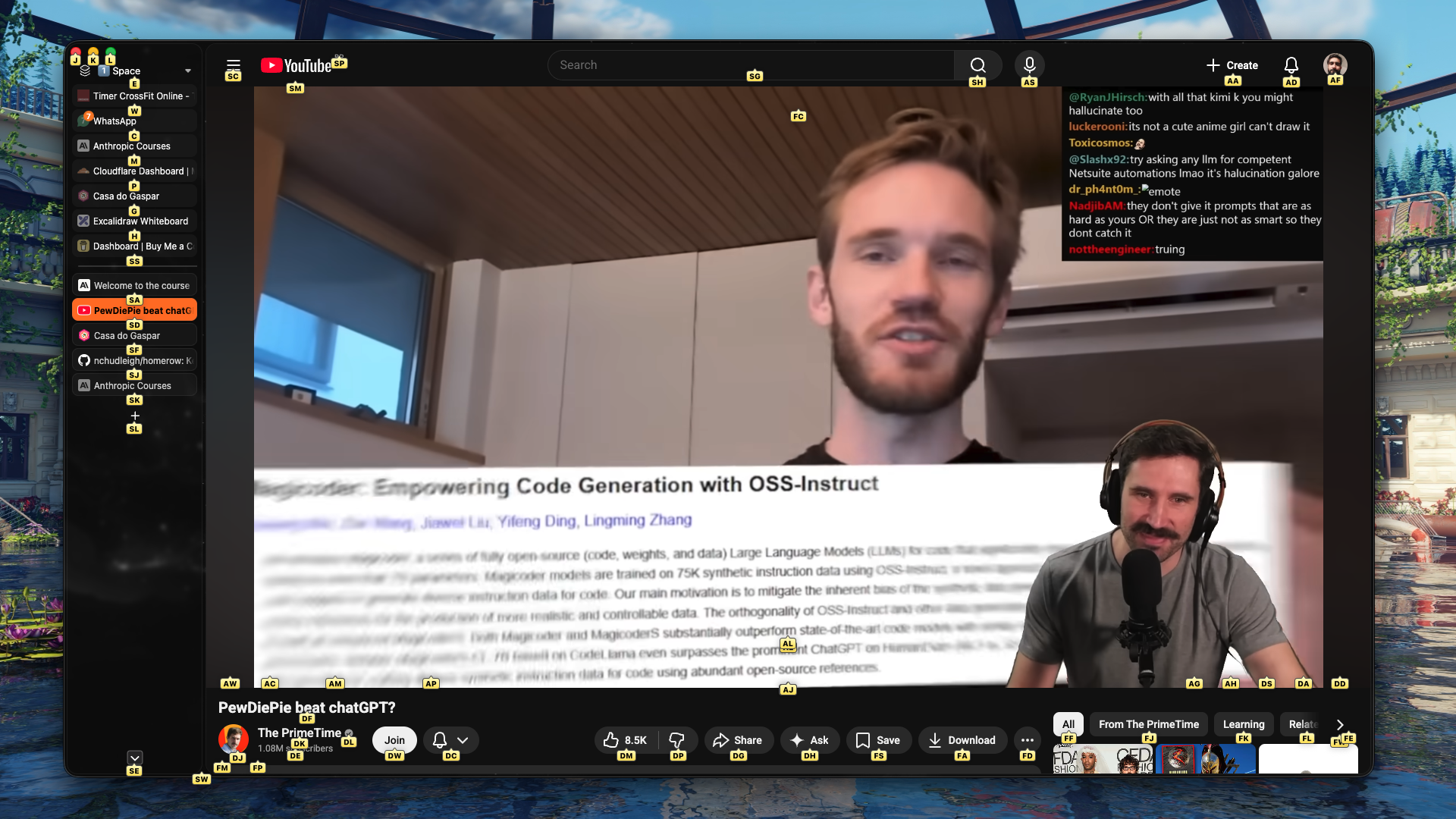
The app triggers with a shortcut Shift+CMD+Space.
In the image above I can navigate direct by the keyboard and click on anything on the screen that is interactive.
Like the video: DM
Dislike: DF
Select the search bar: SG
Close the browser: J
Even the scroll has a shortcuts based on vim motions.
Change the tabs? Just choose one of from the bunch and voilà.
As you can see it’s a GUI app pretty easy to use, it’s a out of the box solution, you just install set a shortcut to trigger it and start to use.
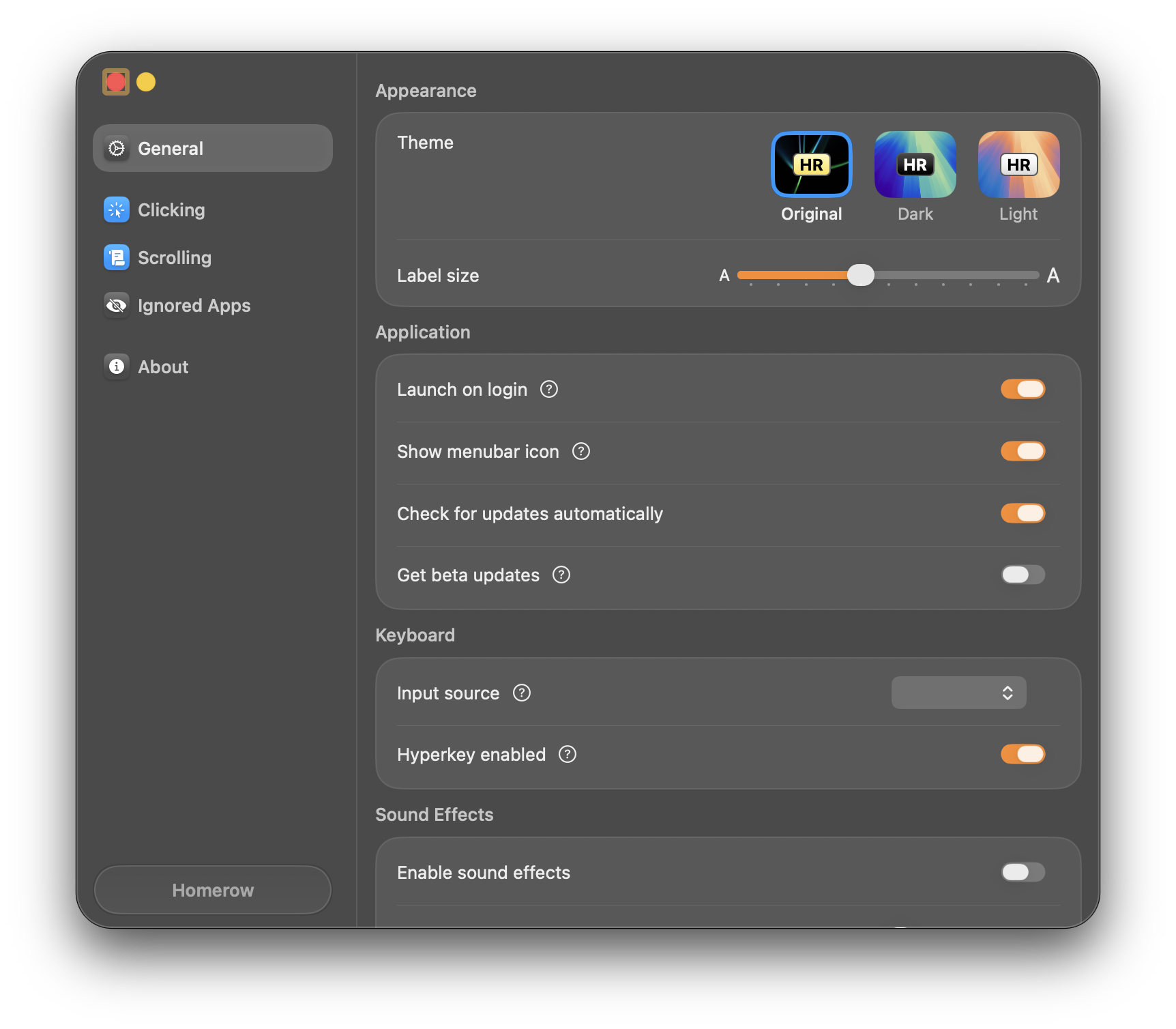
HomeRow repository
But the easiest install is via home brew with brew install homerow
It’s free to use but has a small pop-up that’ll sent you to a page to buy it paid version and help the project, and I must say it’s well deserved, the app is really well made and polished. So show some
lovemoney to the dev.